How partner linking works
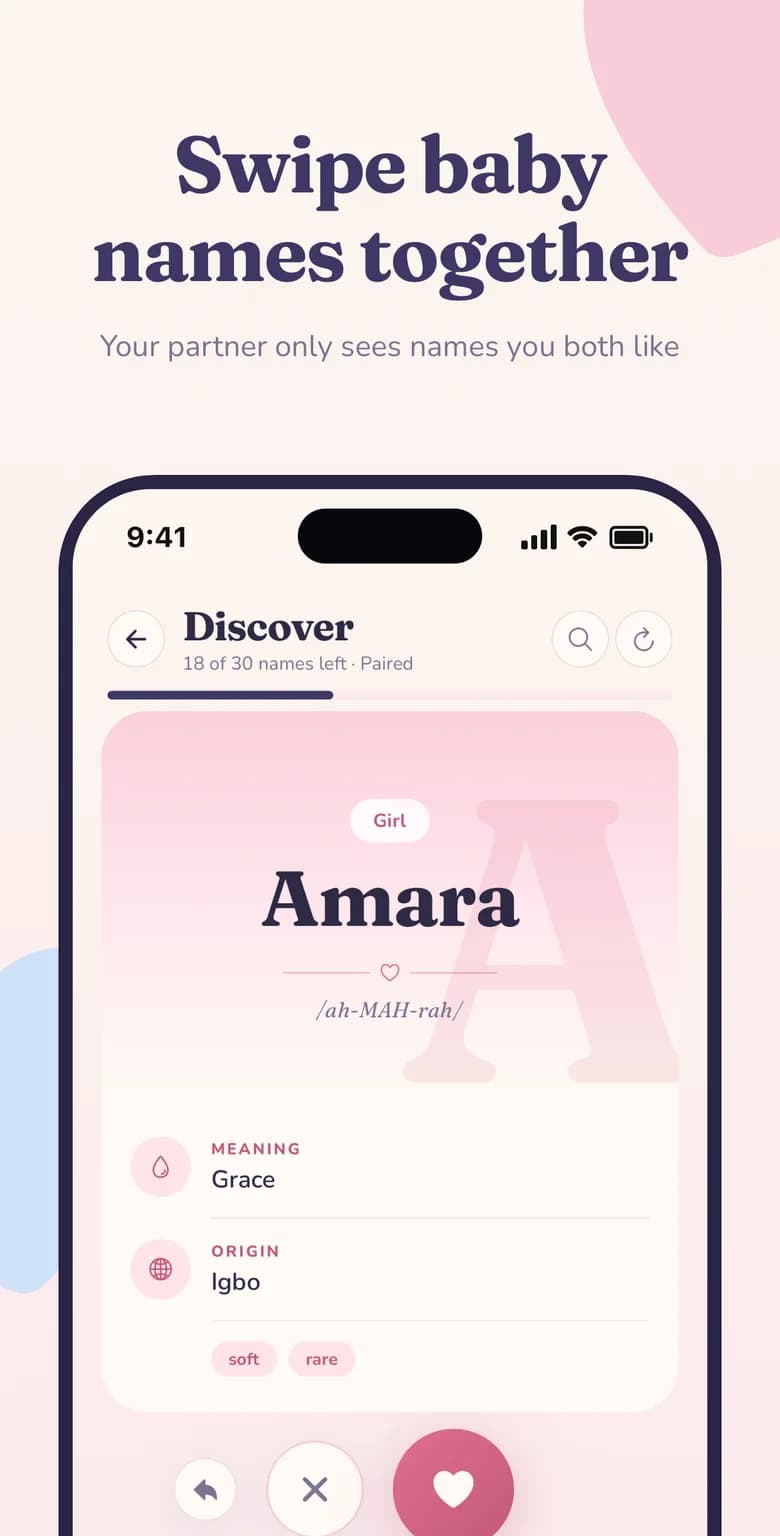
After you install Namely, you'll find your personal invite code in the app. Send your partner the invite link, or read them the 6-letter code. They open Namely, enter the code, and your accounts are connected instantly.
Your partner doesn't even need an account beforehand — the invite link walks them through getting set up and joining you in one go.
What stays in sync between you
Once linked, Namely keeps the important things shared — and the private things private:
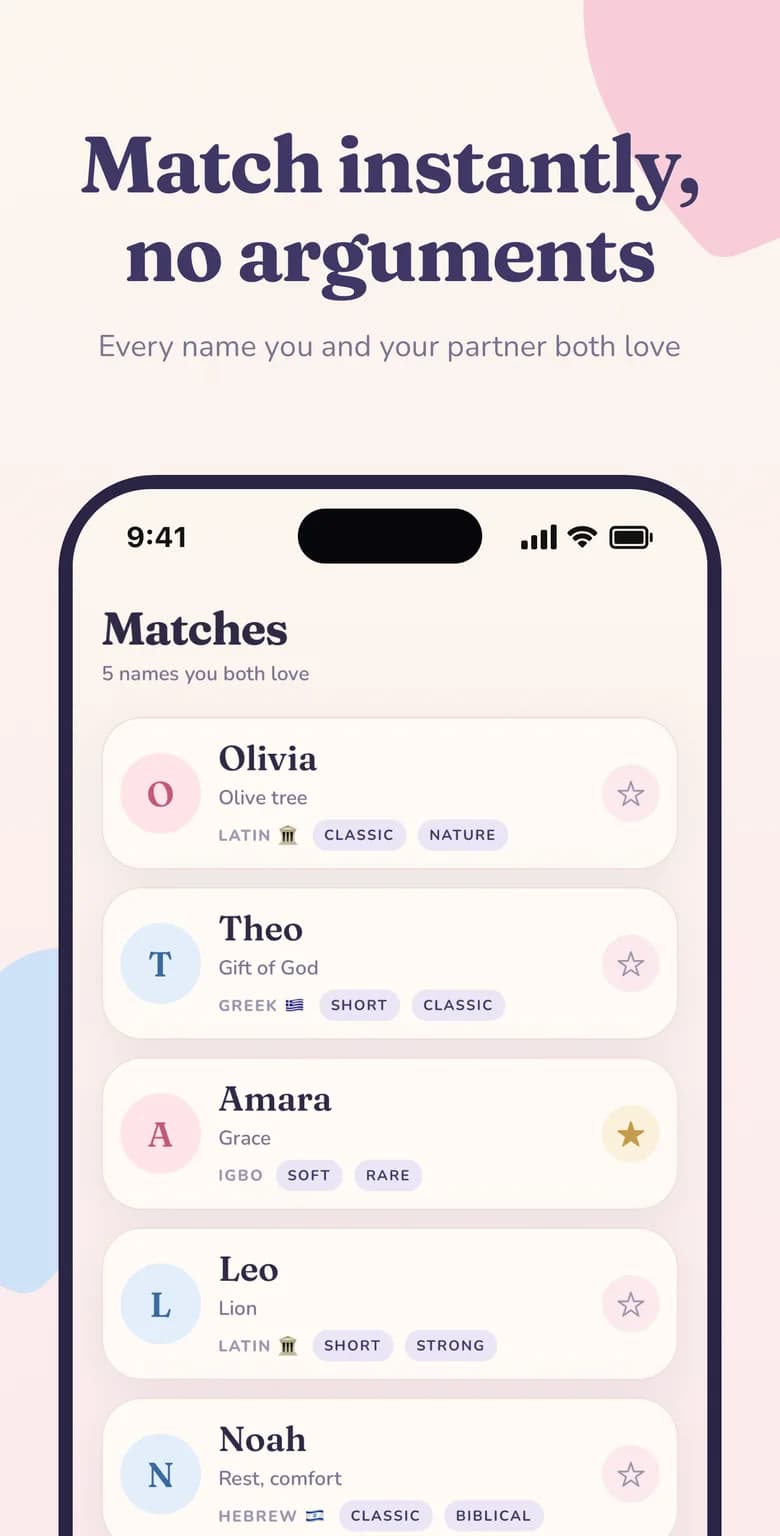
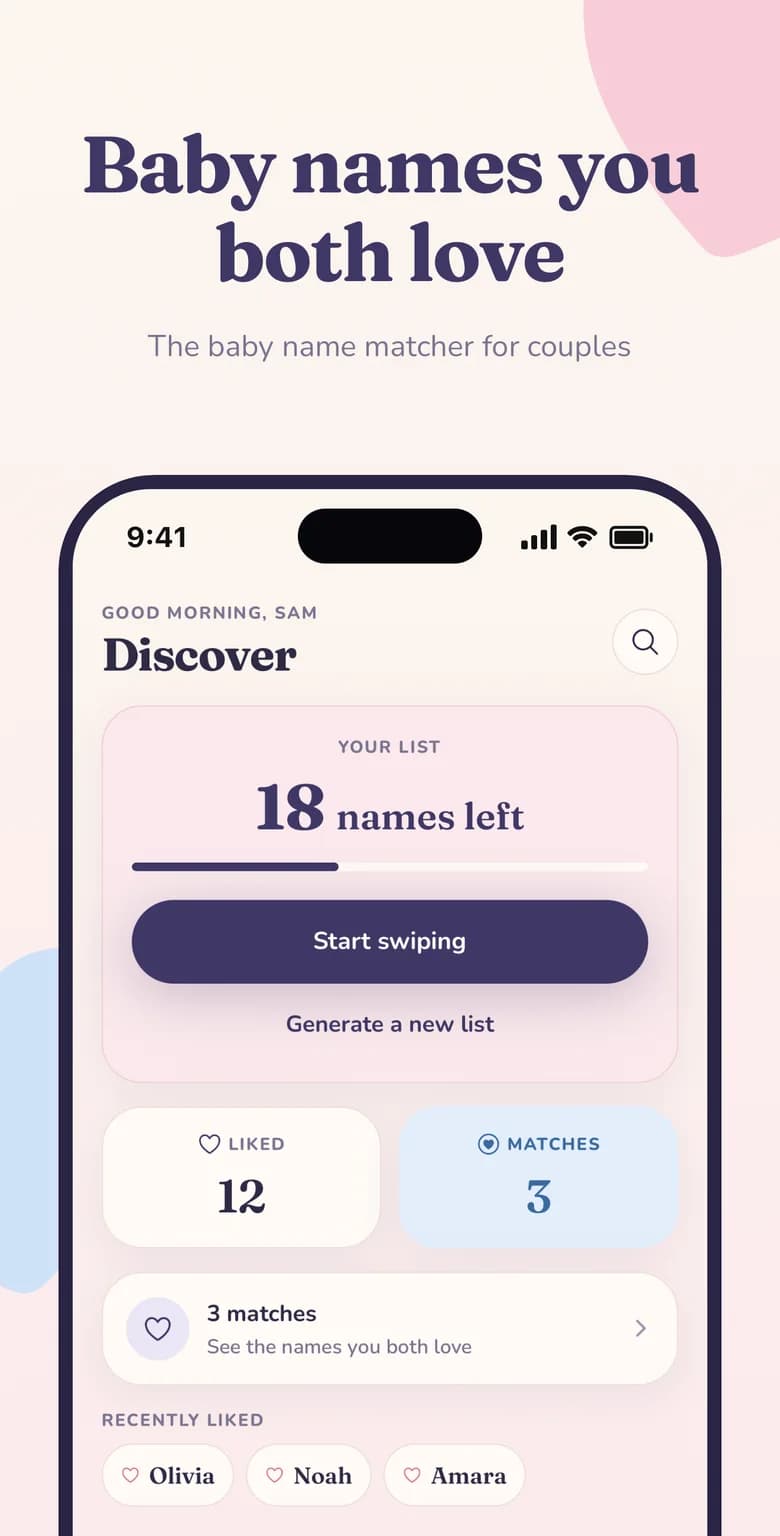
- MatchesEvery name you both liked appears on both phones the moment it's created.
- Match countThe home screen shows a live count of your shared matches.
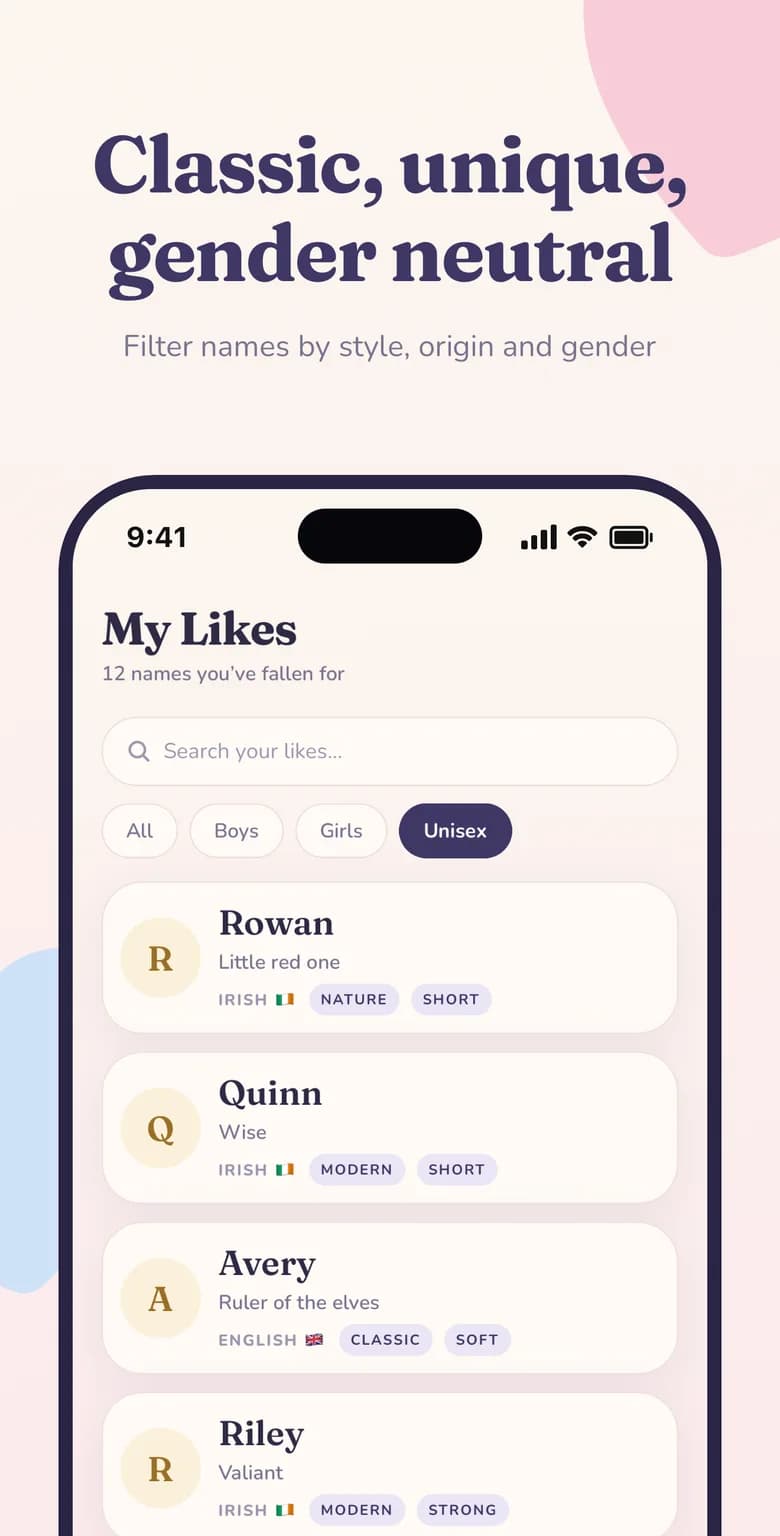
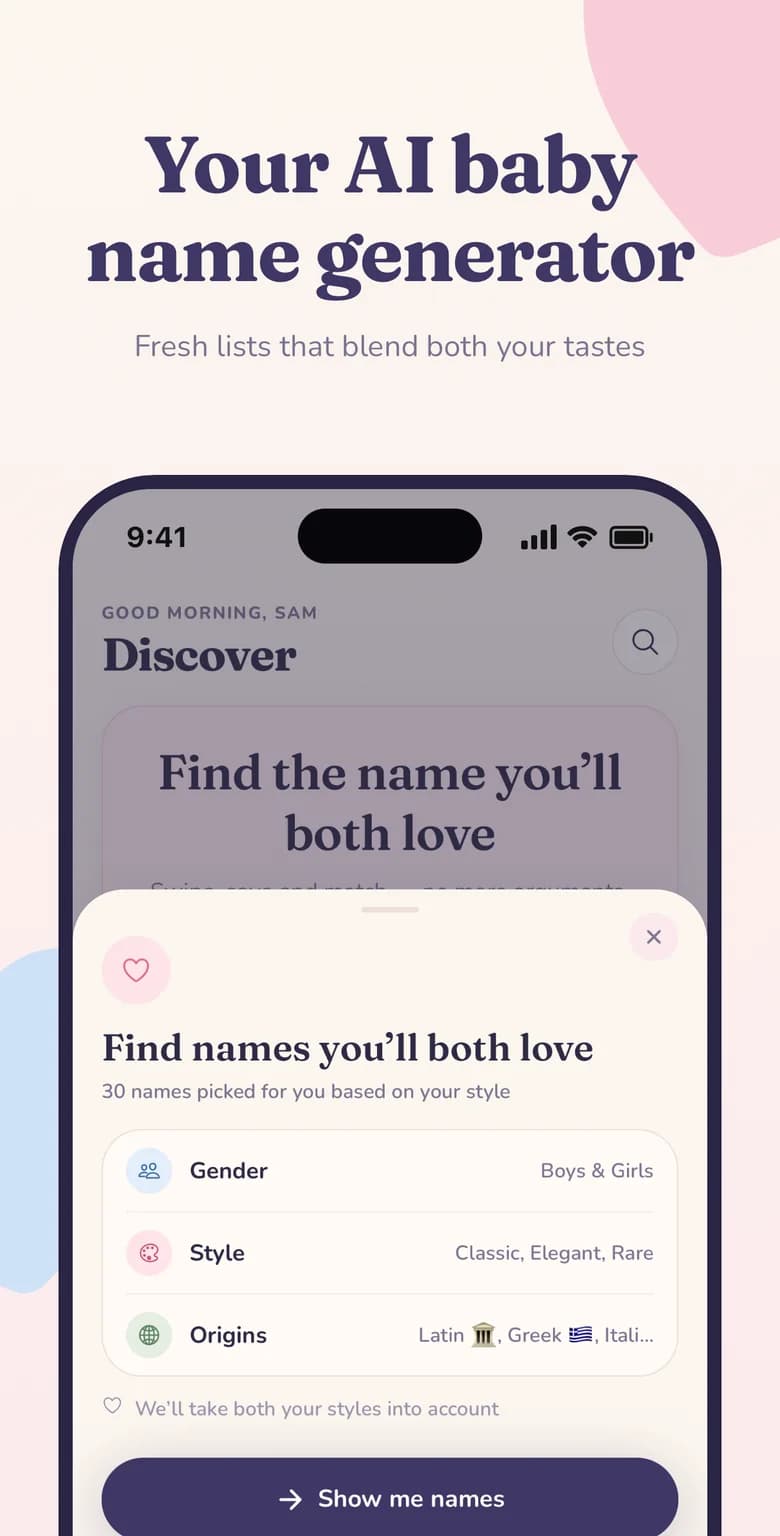
- Shared preferencesThe AI generator can blend both partners' styles into one list.
- Private swipesIndividual likes and passes stay on your own phone until they become a match.
Made for mixed iPhone and Android couples
Plenty of couples don't share a phone platform, and many baby name apps quietly ignore that. Namely is available on both the App Store and Google Play, and a linked couple works exactly the same regardless of which phone each of you has.
Perfect for busy schedules and long distances
You don't need to sit down together to make progress. Swipe on your commute, during a lunch break or late at night — your partner will see new matches the next time they open the app. It's a gentle, low-pressure way to keep the conversation going through the months of pregnancy.