Namely
Namely
Swipe to decide

Swipe Baby Names, One Beautiful Card at a Time

Scrolling through endless lists of baby names is exhausting. Namely turns the search into a quick, focused decision: one name, one card, one swipe. Swipe right on names you love, left on names that aren't for you, and let the app keep track of everything — so you can work through dozens of names in the time it takes to drink a coffee.

iPhone, iPad & Android Private by design Loved by couples
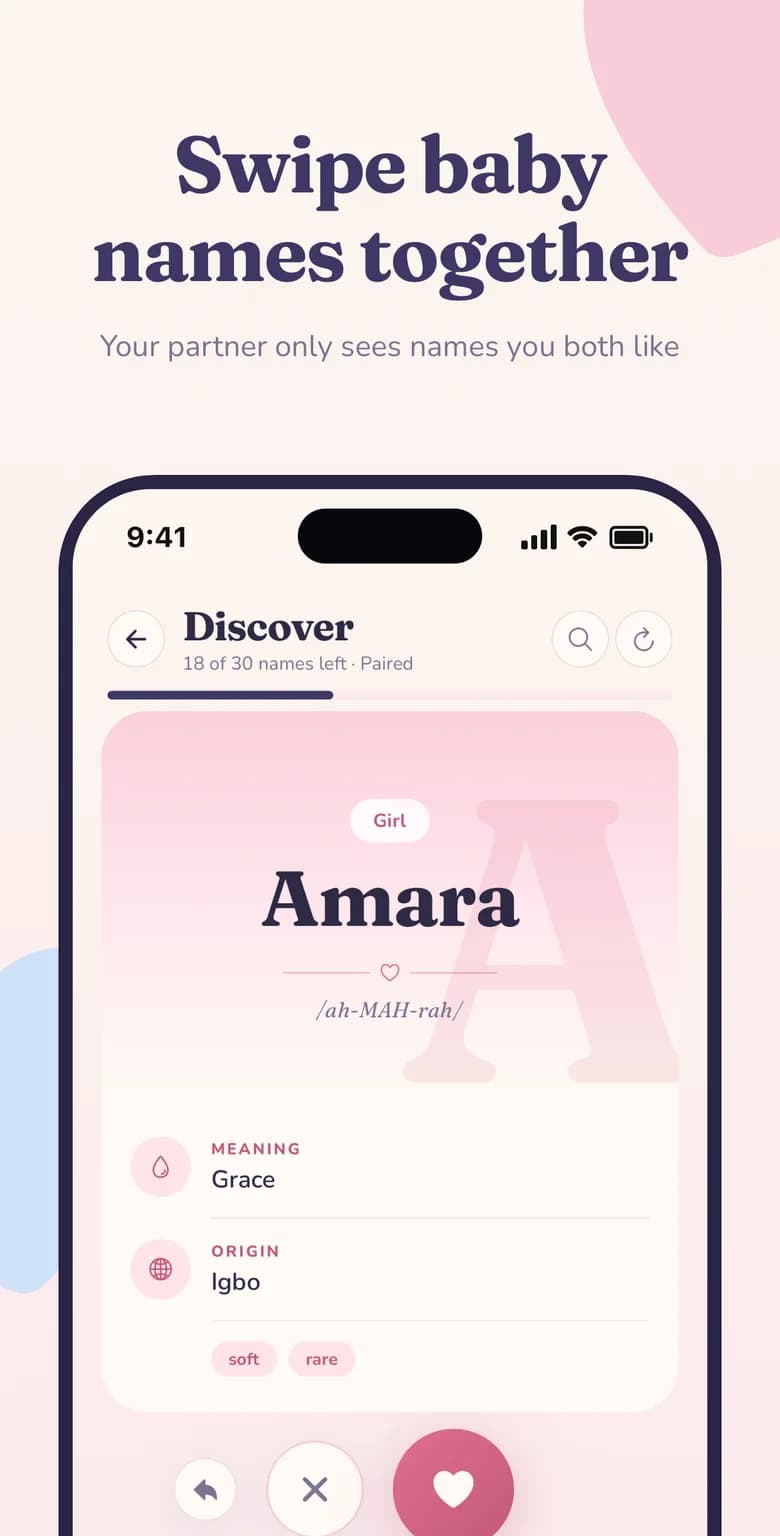
Swipe baby names together — Namely name card for Amara with meaning, origin and pronunciationMeaning on every cardUndo any swipeNo repeats

Why it matters

Swipe Baby Names at a glance

A swipe-to-decide name card for every baby name — like it or pass in a second.

  • One name at a time

    A single, distraction-free card makes it easy to react honestly instead of skimming a list.

  • Context on the card

    Meaning, origin, pronunciation and style tags appear right on the card before you decide.

  • Undo in one tap

    Swiped too fast? Bring the last name straight back with the undo button.

  • Never the same name twice

    Names you've already judged are removed from your queue for good.

Why swiping is the fastest way to choose a baby name

Most baby name websites show you hundreds of names on one page. That sounds helpful, but in practice it causes decision fatigue: after the first fifty names everything starts to blur together, and you end up remembering only the first few you read.

Swiping fixes that by asking a single question at a time — do I like this name, yes or no? Your gut reaction is usually the most honest signal you have, and a swipe captures it instantly. Because the decision is so small, you can comfortably review a whole list of names in a few minutes, and you can stop and pick up again whenever you have a spare moment.

Namely was designed around this idea from day one. Every name gets its own full-screen card with a large serif headline, so you can see — and say — the name properly before you decide.

What you see on every name card

A name is more than how it looks. Each card in Namely gives you just enough context to make a confident choice without leaving the swipe flow:

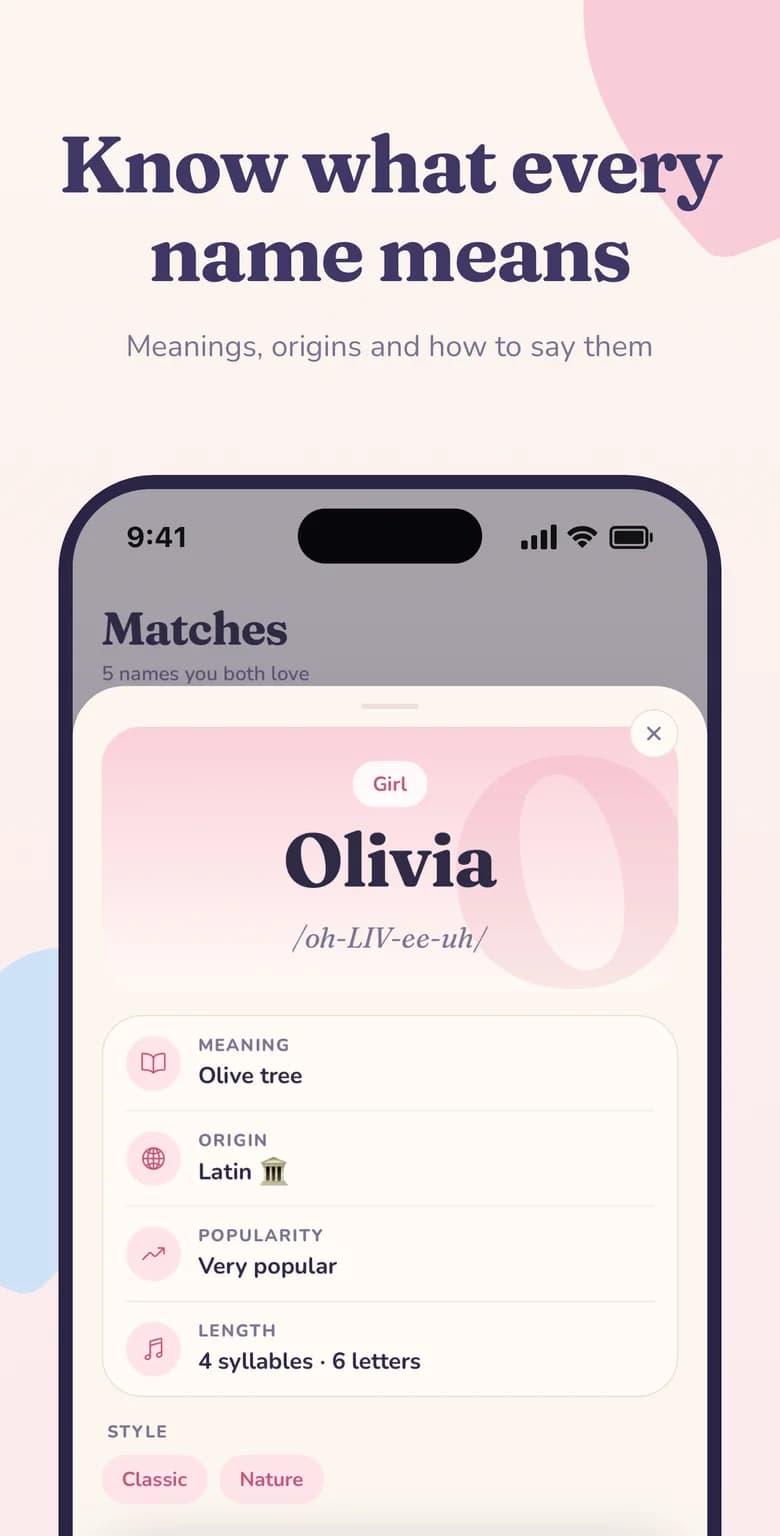
  • PronunciationA phonetic guide such as /ah-MAH-rah/ so you know exactly how a name is said.
  • MeaningThe core meaning of the name, for example Amara — “grace”.
  • OriginWhere the name comes from, such as Igbo, Latin, Greek, Hebrew or Irish.
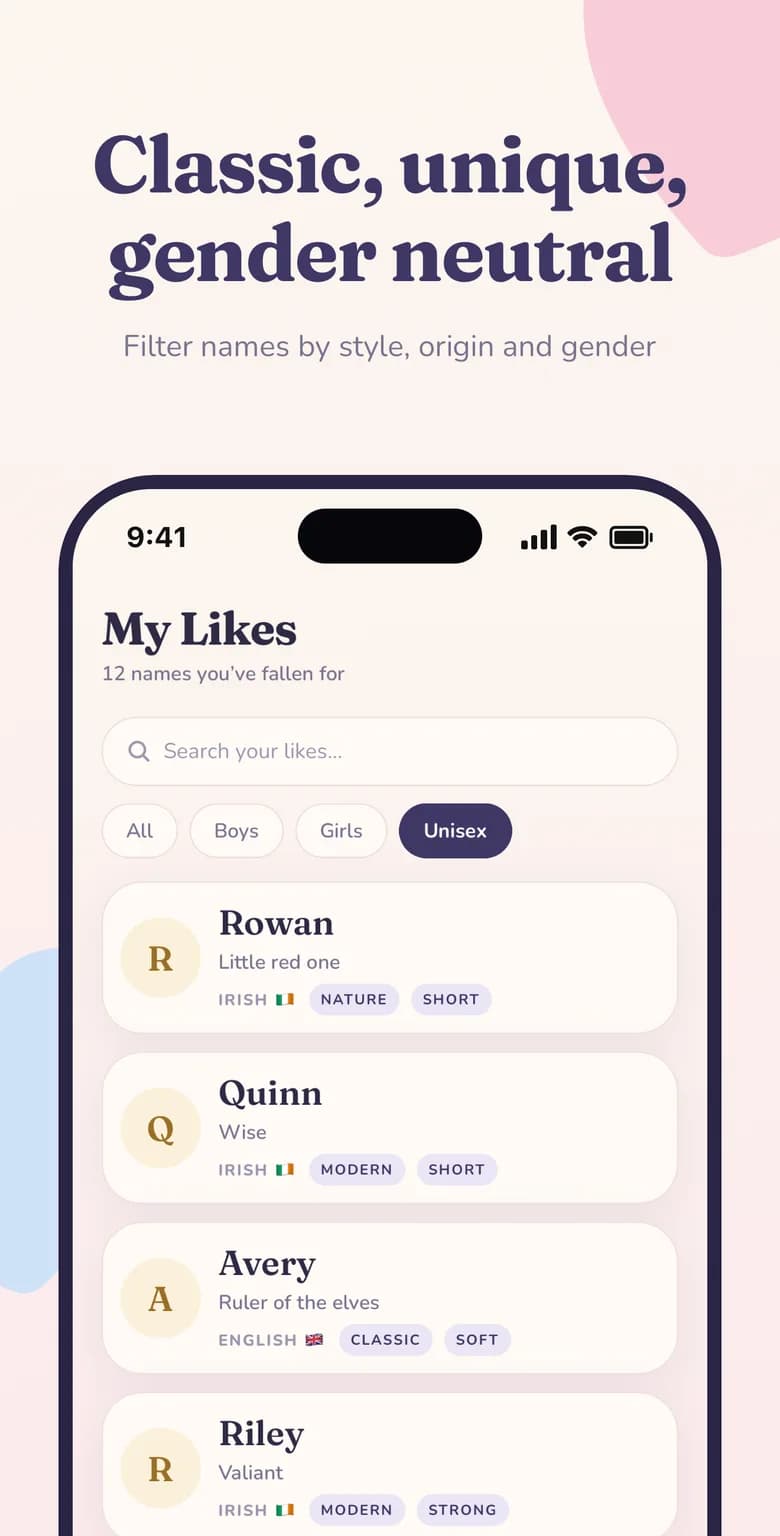
  • GenderClearly labelled as a girl, boy or unisex name.
  • Style tagsQuick descriptors like soft, rare, classic, modern, short or strong.

Swipe on your own, match together

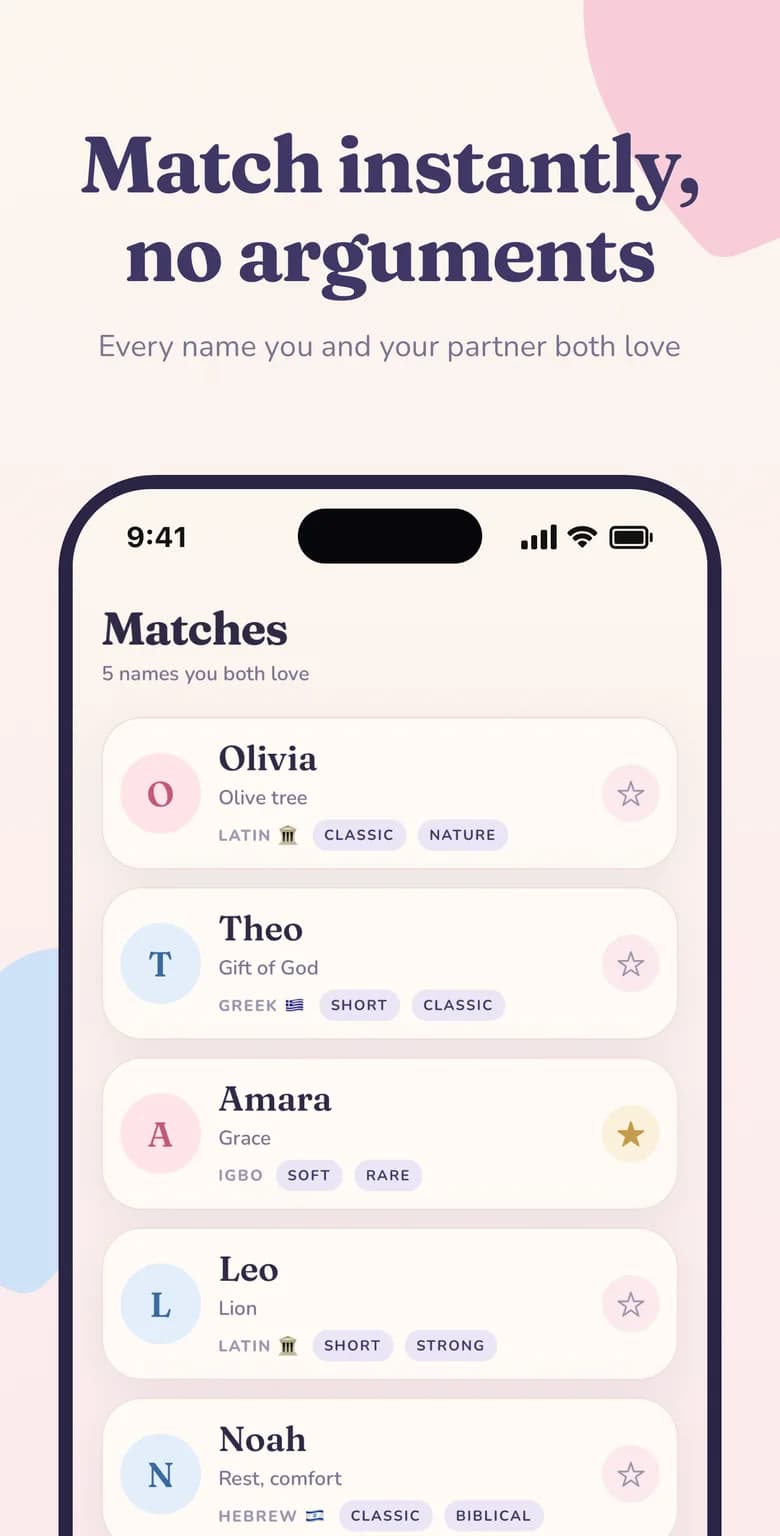
Swiping is even better when there are two of you. Once you link with your partner, you each swipe privately on your own phone. Your partner never sees the names you passed on, and you never see theirs — the only names either of you find out about are the ones you both swiped right on.

That privacy matters. It means you can pass on a name your partner's family loves without starting a debate, and you can like an unusual name without worrying about how it sounds out loud. When you both say yes, Namely celebrates the match and saves it to your shared Matches list.

A queue that keeps moving forward

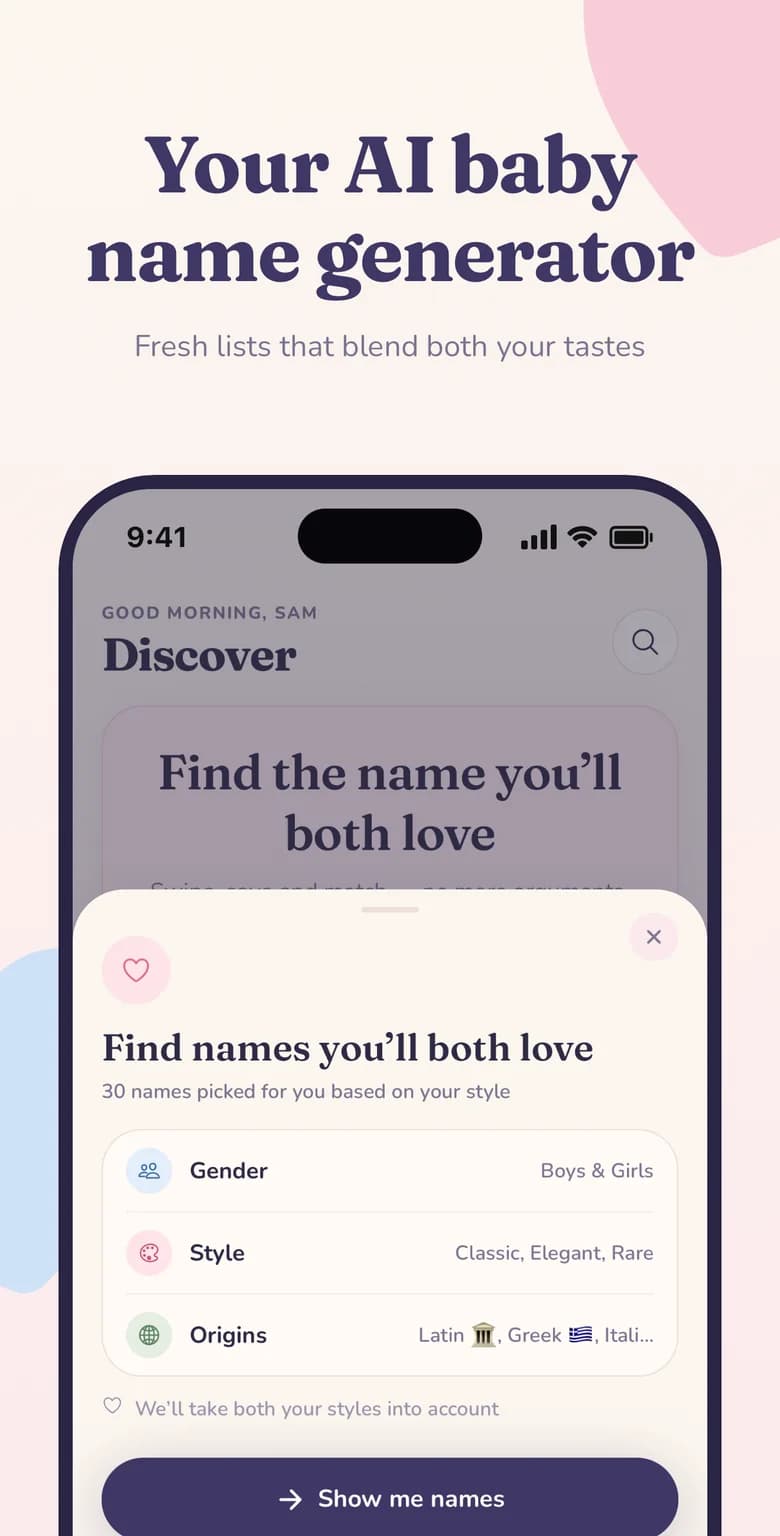
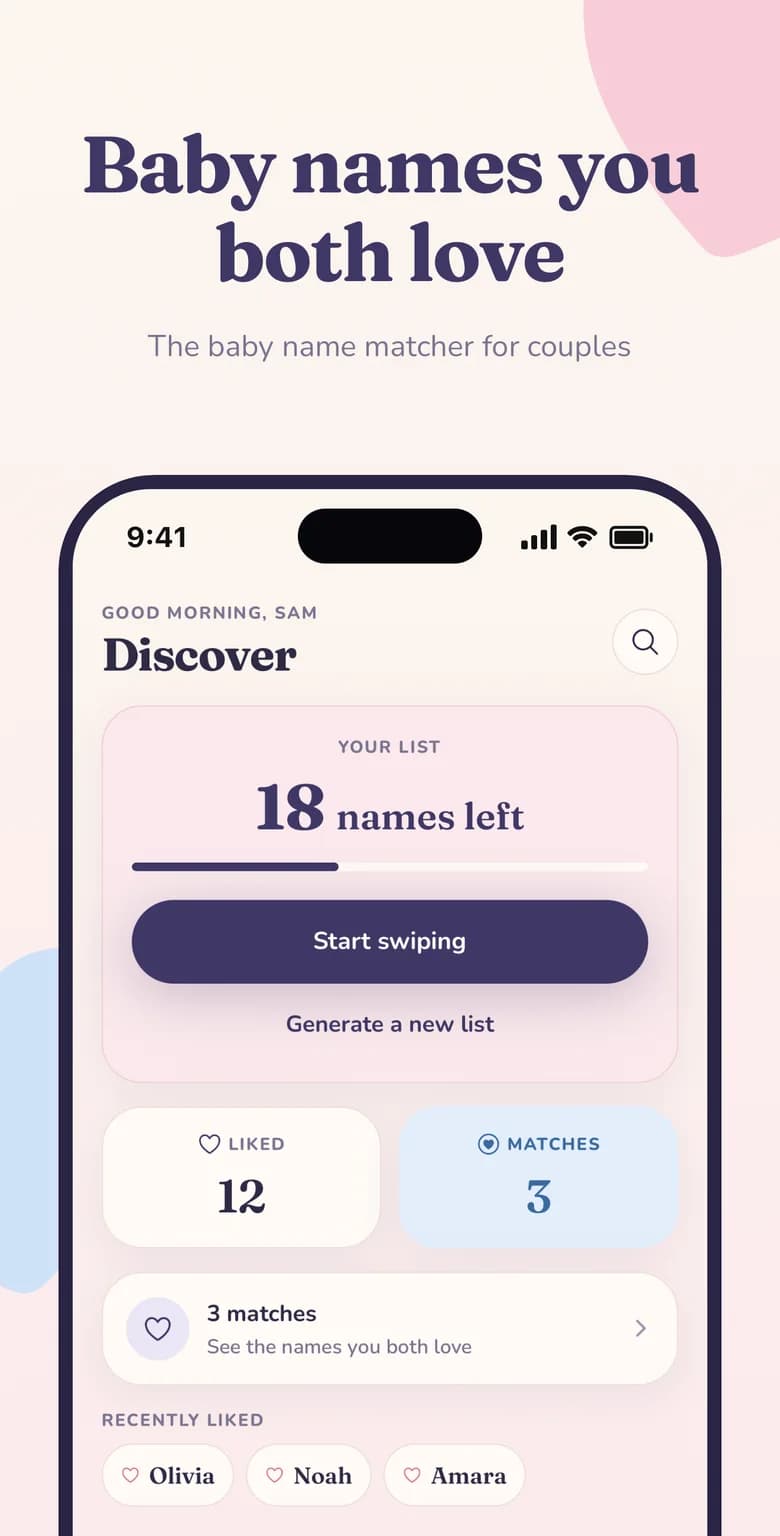
The home screen always shows how many names are left in your current list, with a progress bar so you can see how far you've come. When you finish a list, generate a fresh one tailored to your preferences — names you've already swiped won't come back, so every list feels new.

Changed your mind about a name you passed on a moment ago? The undo button brings back the previous card so a quick thumb never costs you a name you love.
Looking for a Tinder-style baby name app?

Get started in minutes

How to use swipe baby names in Namely

  1. Download Namely

    Install the free app on iPhone or Android and set your basic preferences.

  2. Tap Start swiping

    Your first list of names is ready on the Discover screen.

  3. Swipe right or left

    Heart the names you love, pass on the rest, and undo if you change your mind.

  4. Check your matches

    Names you and your partner both liked appear in Matches automatically.

Namely baby name matcher home screen showing names left to swipe, liked names and partner matches
Baby names you both love
Swipe baby names together — Namely name card for Amara with meaning, origin and pronunciation
Swipe baby names together
Namely Matches screen listing baby names both partners liked, with meanings and origins
Match instantly, no arguments
Baby name meaning, origin, pronunciation, popularity and syllables for Olivia in the Namely app
Know what every name means
Filter baby names by boy, girl or unisex, style and origin in the Namely Likes screen
Classic, unique, gender neutral
Namely AI baby name generator picking 30 names based on gender, style and origin preferences
Your AI baby name generator

FAQ

Swipe Baby Names: common questions

How do I swipe baby names in Namely?
Open the Discover tab and tap Start swiping. Swipe right or tap the heart to like a name, swipe left or tap the cross to pass. Every liked name is saved to your Likes list.
Can I undo a swipe?
Yes. Tap the undo arrow next to the like and pass buttons to bring back the last name you swiped.
Will I see the same baby name again?
No. Once you've swiped on a name it's removed from your queue, and newly generated lists skip names you've already judged.
Can my partner see the names I swiped left on?
No. Your swipes are private. Your partner only ever sees names that you both liked.
Do I need a partner to use the swipe feature?
No. You can swipe and build your Likes list on your own, then invite your partner whenever you're ready.

Find the name you'll both love

Download Namely on iPhone or Android and try swipe baby names today — it takes less than a minute to get started.

Free to download · iPhone, iPad & Android · Cancel anytime